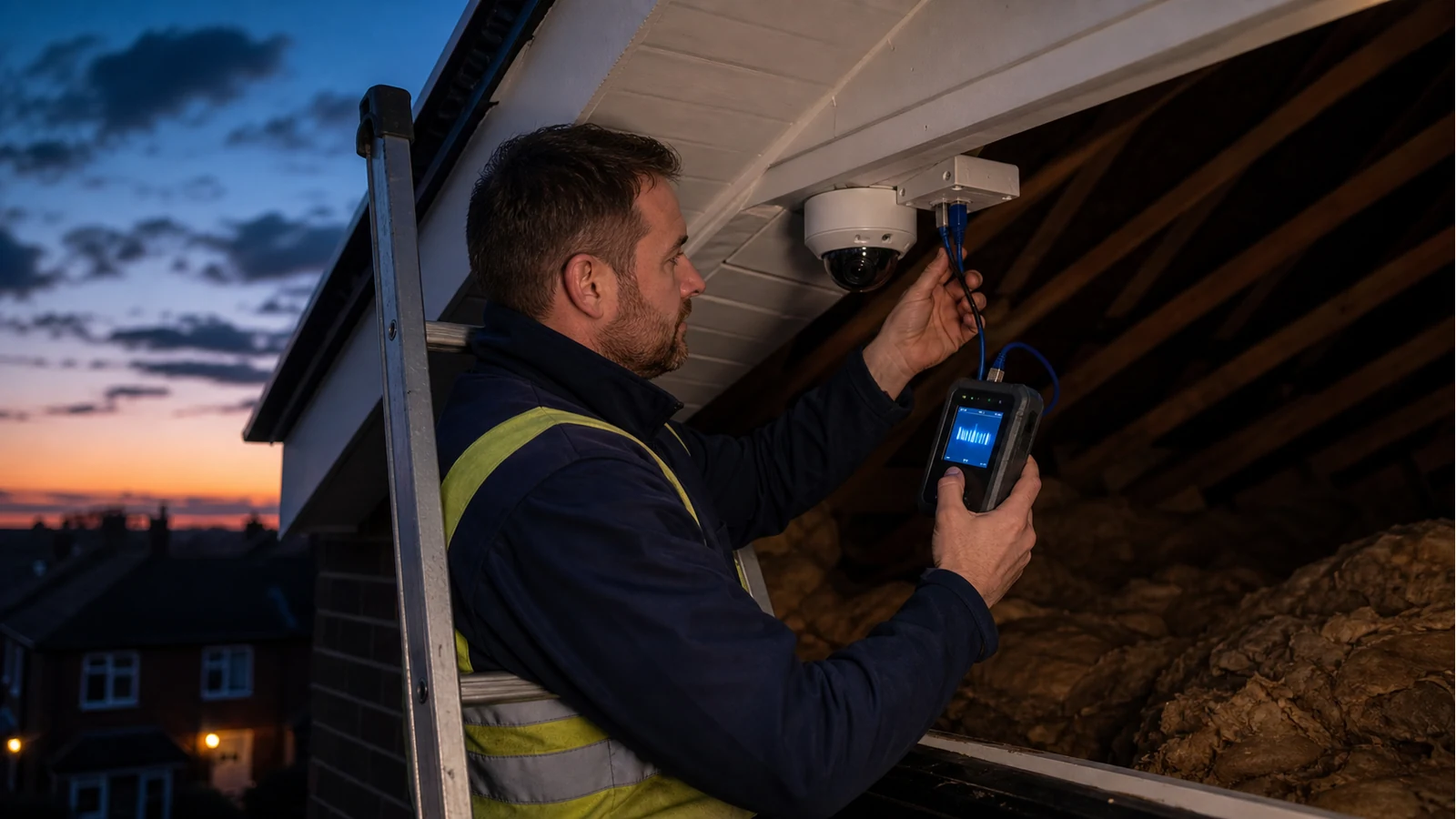
Poe Voltage Check At Camera End Uk
Direct answer: check PoE at the camera end when you need to separate three faults: the switch or injector is not supplying power, the cable run is losing or misrouting power, or the camera itself is the problem. Checking only at the NVR cabinet can miss what actually arrives at the loft, soffit or outside junction box.
For CCTV installers, the value is simple: fewer trips between the ladder and the rack, and a clearer decision before replacing a camera that may not be faulty.
Field sequence
- Make the area safe. Do not work from an unstable ladder or open wet junctions in bad weather.
- Confirm the source. Check the NVR, switch or injector port is intended to supply PoE and is enabled.
- Test at the camera end. Use a PoE-rated tester or verifier at the far end to confirm power presence and any class cues the tool supports.
- If power is absent, test the cable. Run wiremap first, then length or distance-to-fault if the pair result suggests a break.
- If power is present but the camera reboots, think load. Night IR, heater or motor load may require a load-capable PoE instrument or a higher-power port.
Why far-end testing changes the diagnosis
A general PoE voltage testing guide explains the idea of checking voltage at the source and at the far end to understand what the cable run is delivering. The important point is not a magic voltage number; it is whether the camera end receives the expected power arrangement for that device.
Do not use a non-PoE toy on live PoE
Some simple continuity testers are not designed to be plugged into live PoE ports. Use equipment rated for the job and read the tool instructions. A professional PoE verifier listing such as this TREND Networks PoE verifier listing shows how dedicated instruments are positioned around PoE class and power verification, which is different from a basic cable continuity check.
Common CCTV outcomes
| Result at camera end | Likely meaning | Next action |
|---|---|---|
| No PoE indication | Wrong switch port, disabled PoE, broken pair or bad termination | Check source settings, then wiremap and re-terminate. |
| PoE present, no link | Data pair or termination issue may remain | Run wiremap and check patch leads. |
| Works by day, reboots at night | Power budget or voltage drop under load is possible | Check camera max draw and use load-capable testing if needed. |
Match the standard to the device
The UK IP camera PoE installation guide highlights class mismatch as a commissioning issue. If the device calls for PoE+ and the port is only af, cable testing alone will not solve it.
Related next read
For class selection before the install, read 802.3af vs 802.3at for CCTV.